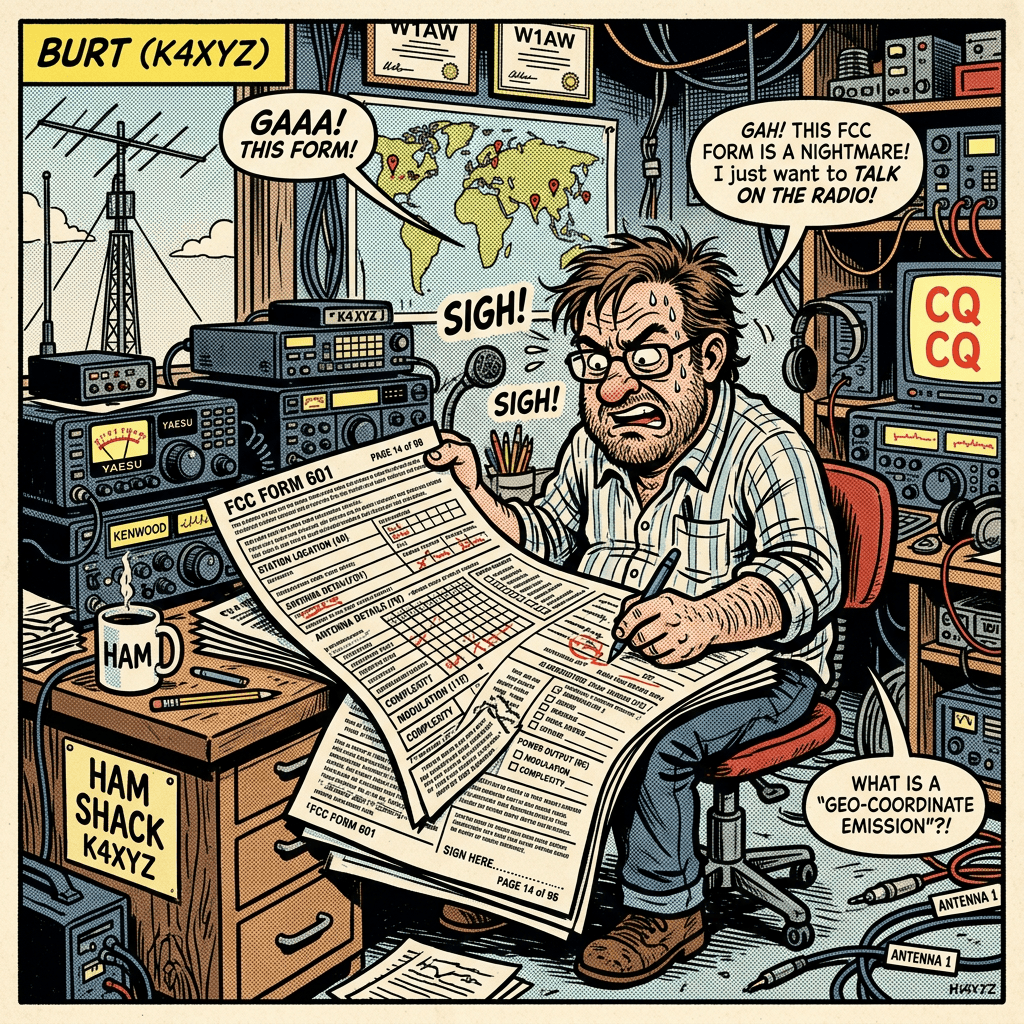
Well the time has come to renew my amateur radio license. I was first licensed in 2006, relatively recent by amateur radio terms, and the license is good for 10 years, so that makes this the 3rd time I will have reset the clock. There really isn’t much to it, but I figured I would write up a quick article on it in case it helps anyone.
You don’t need much preparations for the renewal, the biggest part is probably remembering your FRN (FCC Registration Number) and logging into the ULS (Universal Licensing System). Little sidebar here, “ULS” is what those of us in the government contractor / satellite business call a “TLA” (Three Letter Acronym). TLAs are somewhat controversial in the industry. On one hand they do come in handy when used correctly. It is much easier to carry on a conversation when you use the TLA “The ACR” than when you call it by its proper name “Atmospheric Cryogenic Rectifier” (Yes, that is a real device. It does exactly what the name says it does. It freezes the snot out of the atmosphere and then looks at its rectum)
Well FRN (FCC Registration Number) is the elusive “Embedded TLA” where one of the letters of the TLA actually stands for another TLA. I have never actually seen a “Double Embedded TLA but I have heard they exist.
I have seen a Double Embedded 4LA. Way back in the Air Force days we had a daily meeting called the BTWG (pronounced “ButtWig”). The B in BTWG was a TLA. The B in that TLA was also a TLA. The “T” in BTWG was a 6LA. The WG just meant “Working Group”. If that meeting name was spelled out with using any acronyms it would take 13 words! We took great pleasure in calling the meeting by its full name whenever we could.
Anyway, back on track.
- Login to the ULS License Manager with your FCC Registration Number (FRN). Go to https://wireless2.fcc.gov/UlsEntry/licManager/login.jsp and login with your FRN and Password.
- From your License At A Glance page, choose the Renew link in the right hand menu called Work on this License. When your license is within the renewal period of 90 days before the expiration date until the expiration date, or within the 2 year grace period allowed there after the Renew link will appear. If your license is not eligible for renewal the link will not appear.
- On the Select Updates page, review the licensee information displayed beneath the table of license information. If any of the data is missing or out of date you must update it. Click on the box to the left of the Licensee Information heading to insert a checkbox and select it.
- When ready click Continue.
- Answer the questions on the Applicant Questions page, and click Continue when ready.
- On the Licensee Information page, review and update all of your licensee information. Make any corrections that are necessary.
- On the Summary page review the information you have entered. If you wish to make additional changes, click the Edit button next to the section of your application you wish to Edit. You will be able to return to that page of the application. Make the desired change and select the Return to Summary button.
- When ready to submit your update to the Commission, choose the Continue to Certify button.
- After reading the certification, enter your first and last names in the boxes at the bottom of the page. You MUST sign the application. When finished choose the Submit Application button.
- From the ULS Confirmation screen, we recommend you print a copy of your application and/or the Confirmation screen itself from your web browser.
That’s it, not really much to it. Make sure and pay Uncle Sam your $35 and check back in a few days to make sure your license has renewed. And as always, GET ON THE AIR!!!!
73, Ken AC0TG


Leave a Reply